
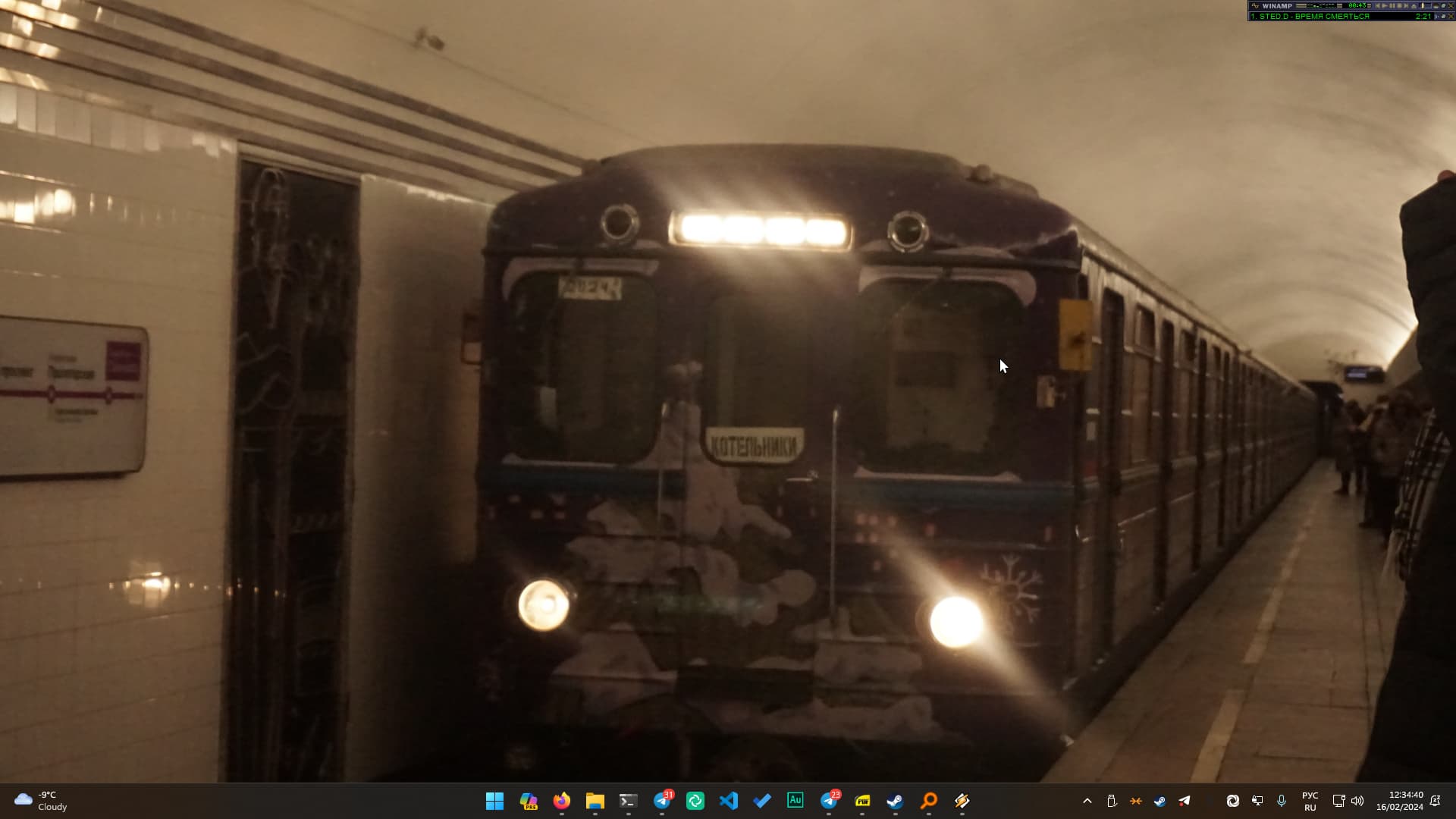
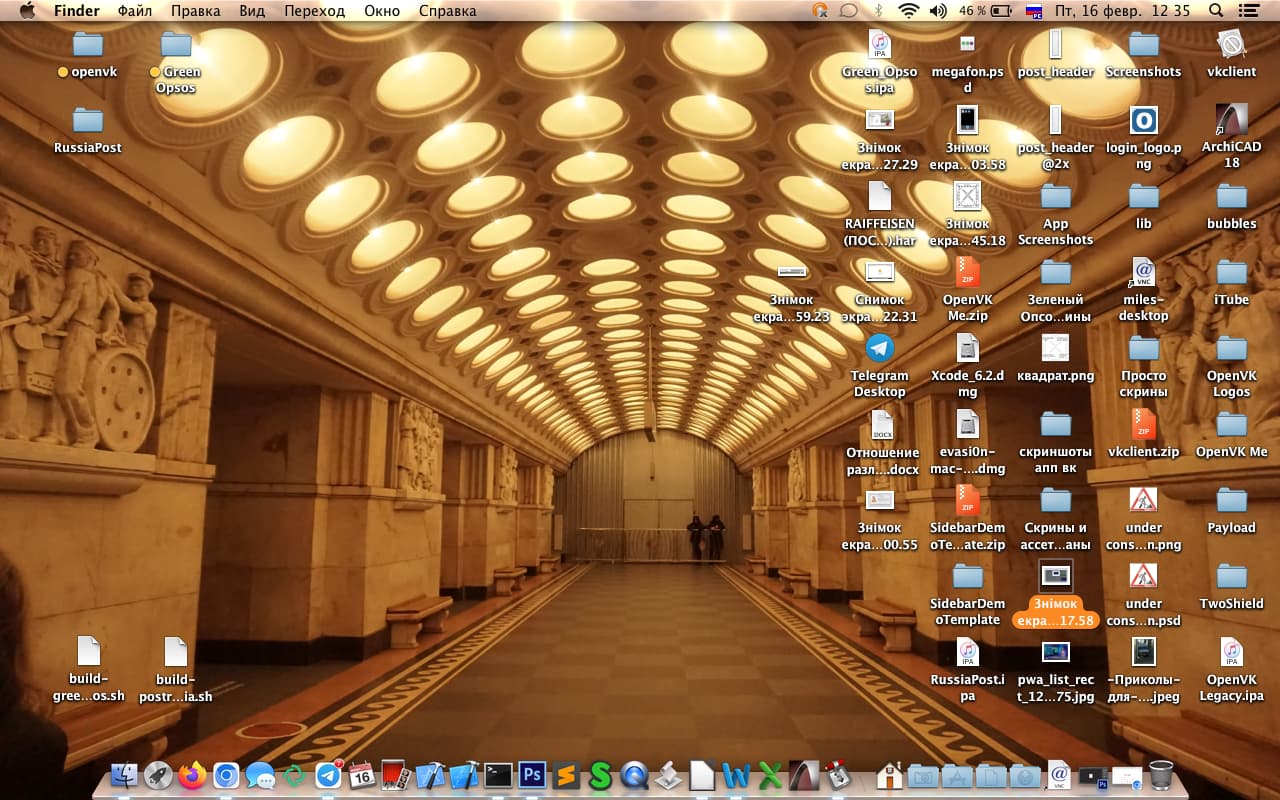
This post goes crazy (many posts) since @veselcraft posted in 2018.
Is that Mac OS X Mavericks? How did you hack the latest Firefox to run on it?
yep, that’s 10.9.5
And no, i didn’t “hack” firefox to run on this version. i use the last supported version, which is 78. it’s legacy already and some sites dropped support of it, so i switched to chromium legacy (despite that i used only firefox for 7 years straight), u can dl it here GitHub - icks99/chromium-legacy: Latest Chromium (≒Chrome Canary) for Mac OS X 10.7/10.8/10.9/10.10
Update on my desktop, managed to install Windows Media Player 9 and decided to go back to the good old Windows Standard color scheme (with the Sans Serif fonts like Win ME), also did a wallpaper change cus why not (wanted to match the WMP skin and the y2k vibe in general)
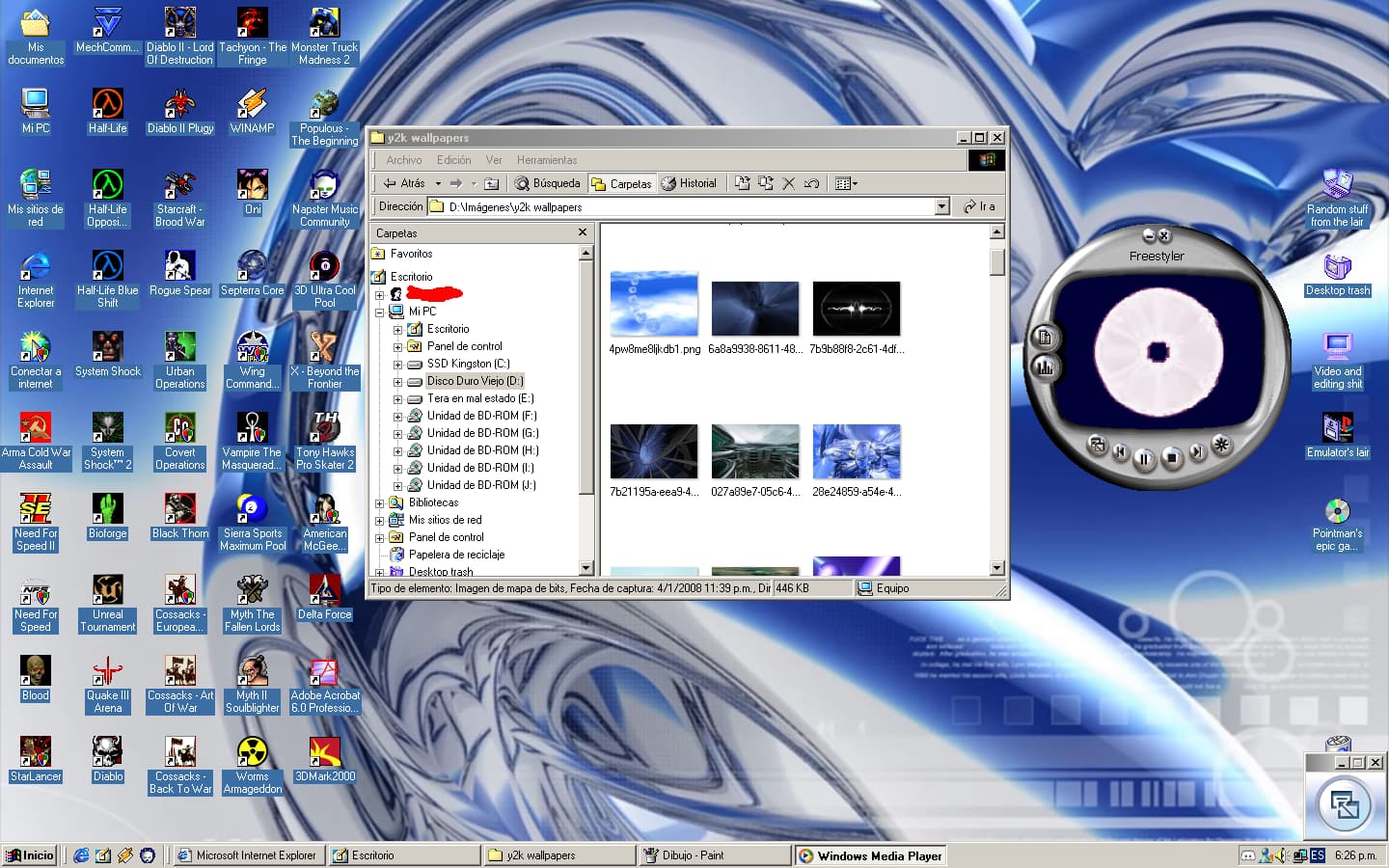
I got Windows Media Player 7 to work but the audios weren’t working at all, plus it was a 50/50 that some videos would play at all, tried my best researching for a solution but nothing so far. Still better than nothing!
Edit: Happy Birthday Windows 2000! Heavily underrated OS imo, simple yet effective and charming
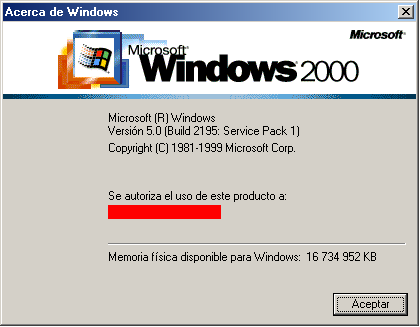
2nd Update: My head finally clicked-in and finally did the winver thingy, all I had to do was to add the banner and the bar as bitmaps in Resource Hacker and that was it.
Update: Added the regional Windows 7 themes!
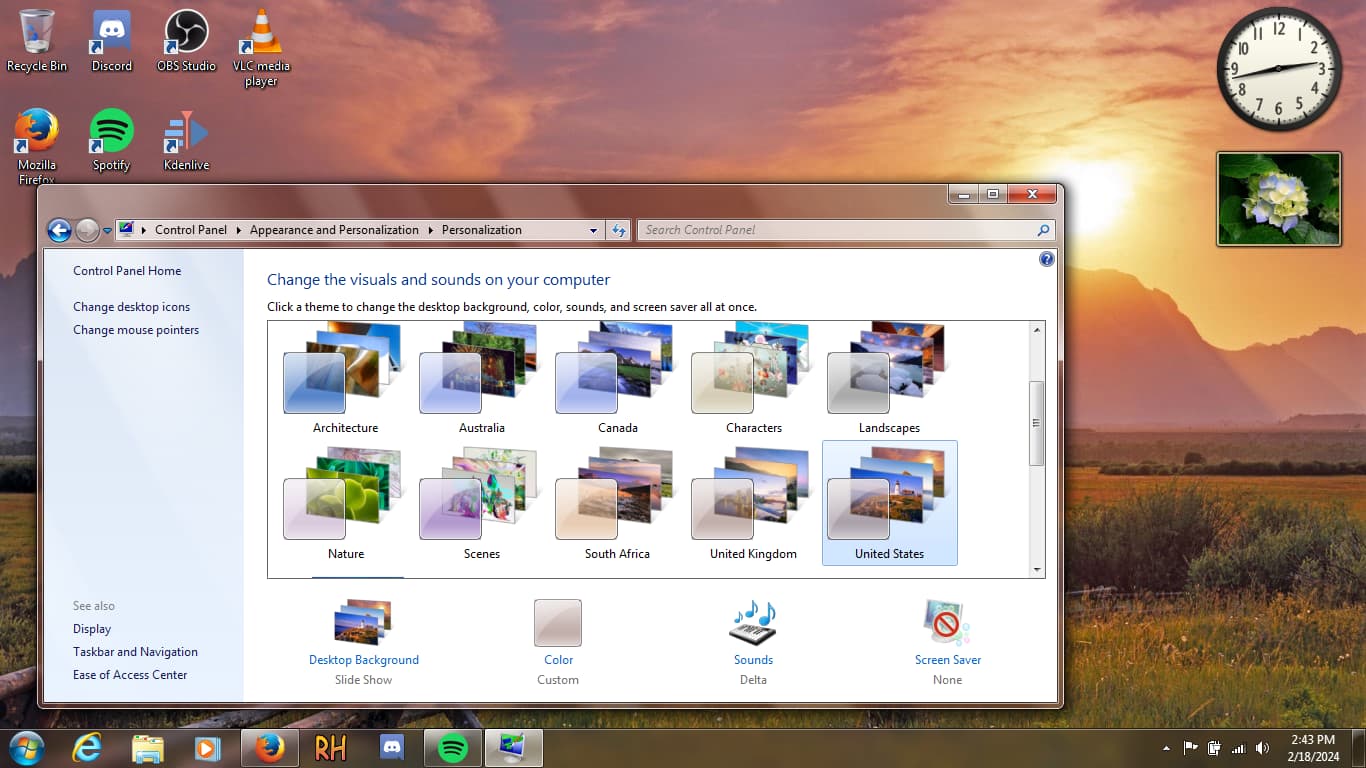
If you want them, here (you need Aero10 Seven by Vaporvance)
Windows 7 Reigonal Themes.zip (19.0 MB)
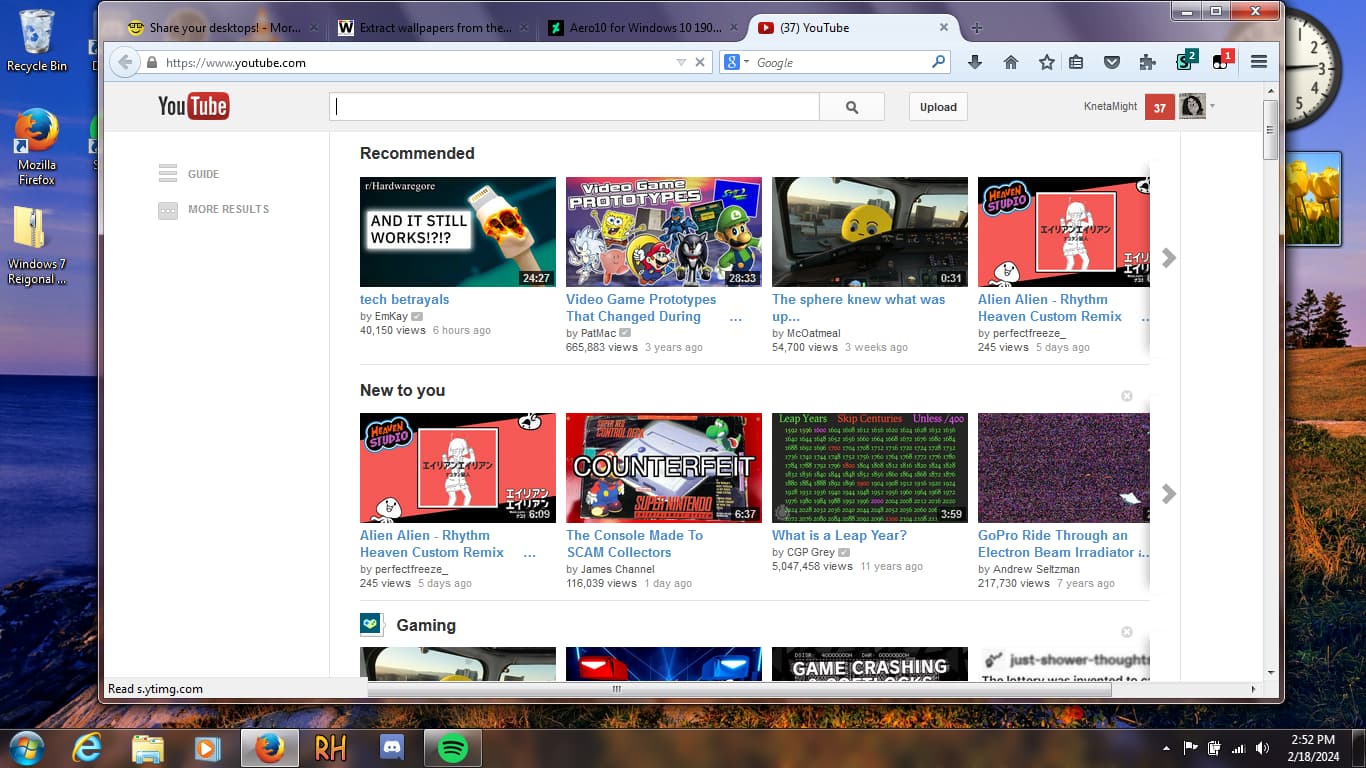
EXTRA: Firefox’s Australis theme on 115ESR using Echelon! + 2013 theme for Rehike!
Looking good as always, keep it up!
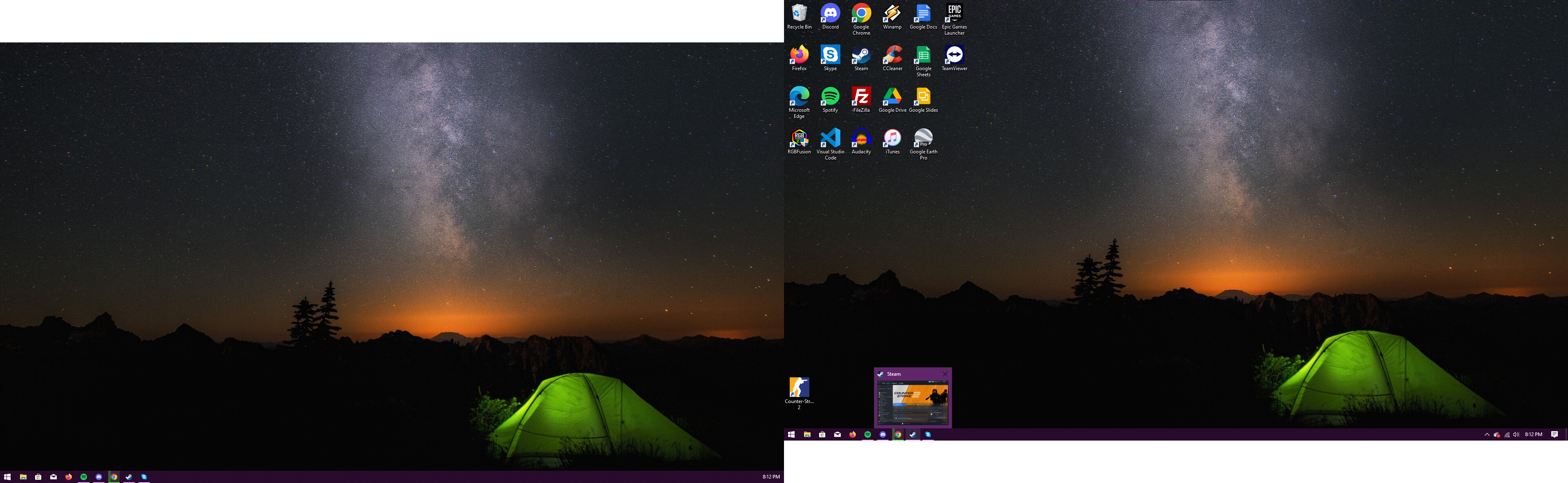
Fresh install of Windows 10 downgraded from Windows 11
Specs:
Ryzen 5 3600
16GB DDR4
1TB SATA SSD
RX 580 8GB
B450 MB
i love the firefox theme  I’m also wondering how did u get that youtube theme but ur VM looks great!
Looks like V3 but somehow different
It’s not a VM, it’s on my main PC.
Also I used Rehike
oh, I thought it was V3 Public Beta Test version, because of the version not being the Rehike 2015 I remember
I got bored of the classic theme, so I switched back to the XP looks, modified the Zune msstyles to have a reddish look into it (ripped some assets from a Zune Multicolor theme), as well as making a separate Retrobar theme with a red start button to fit the theme.
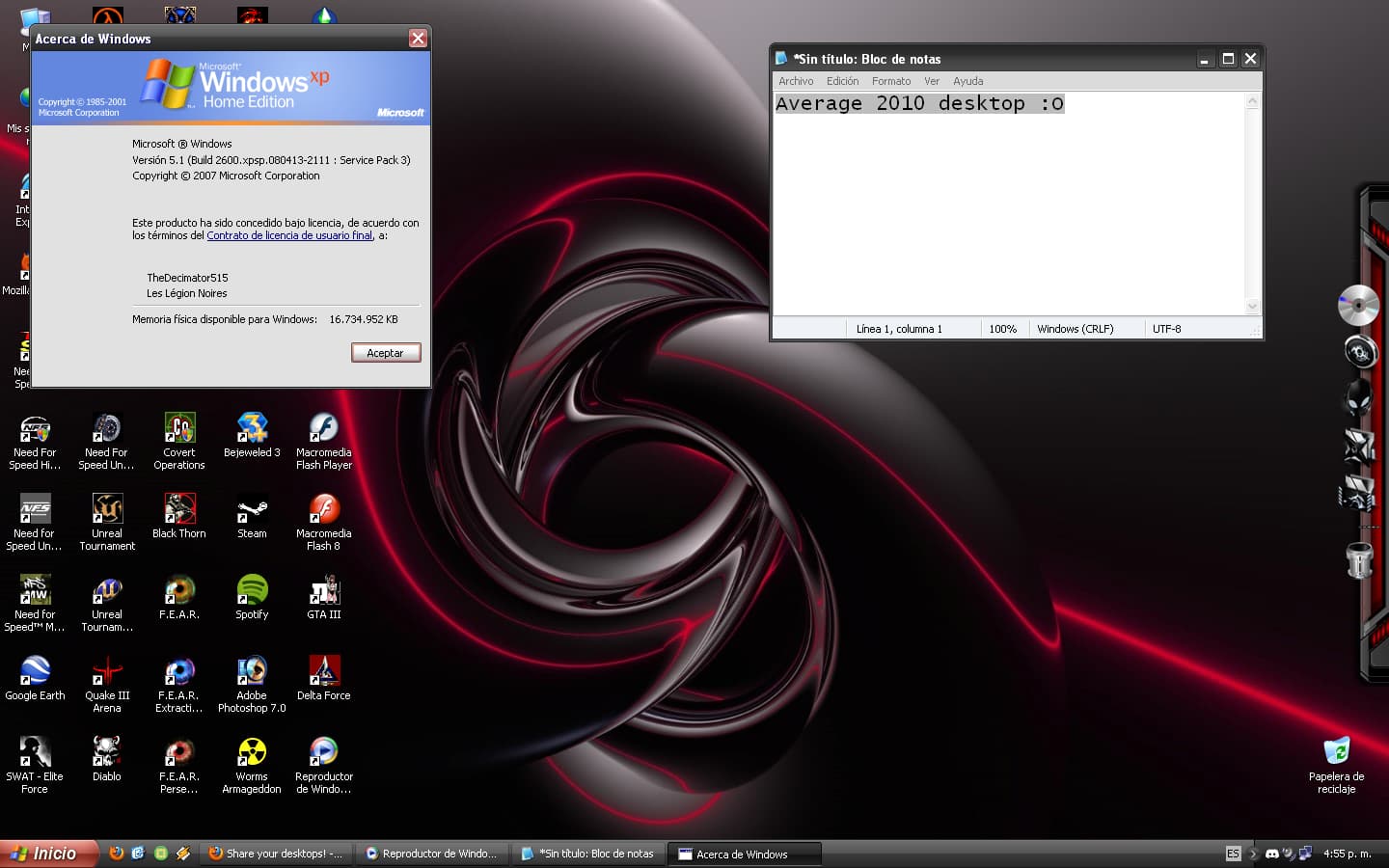
Upgraded from Windows Media Player 9 to 10 to fit the late 2000’s era
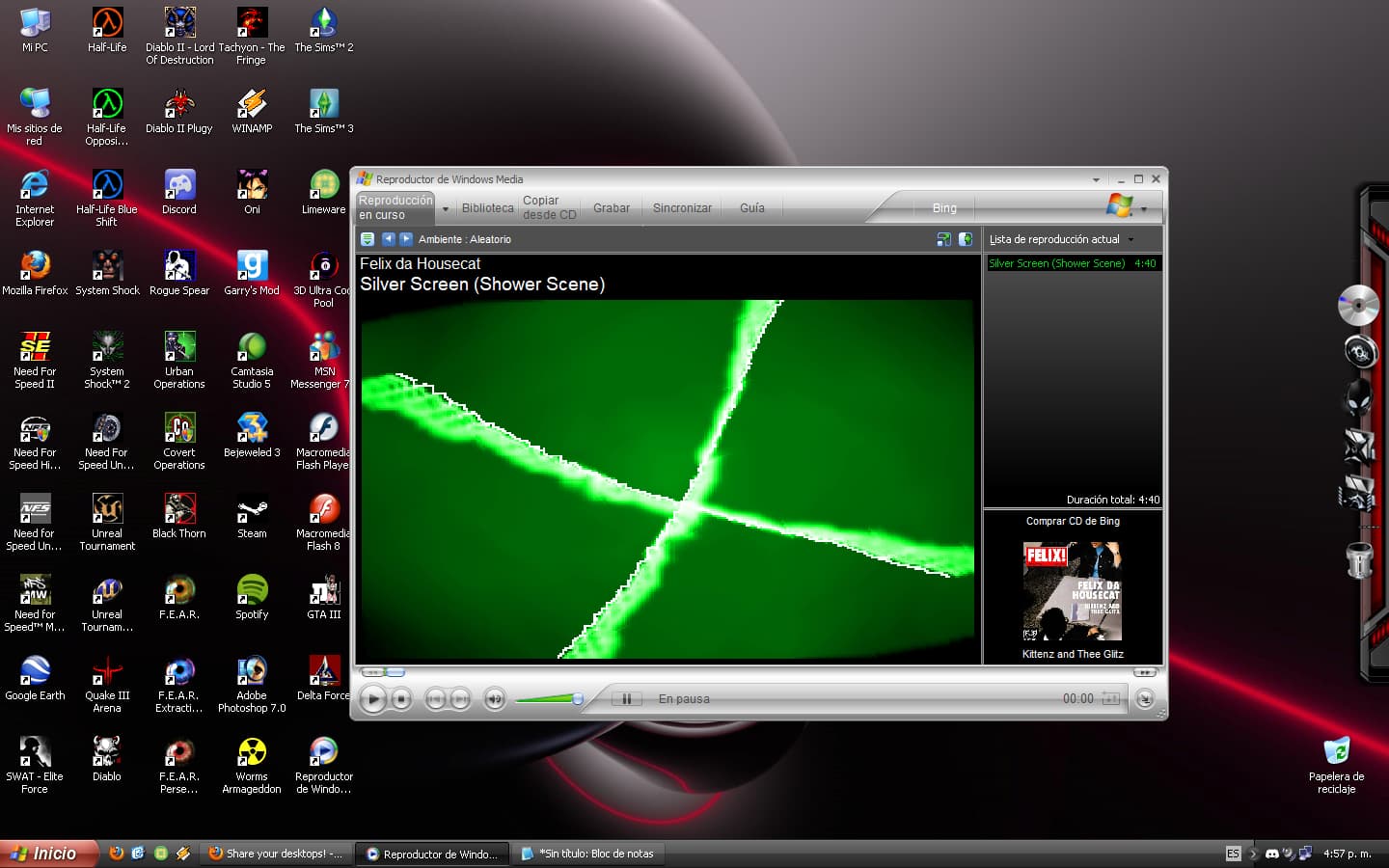


The theme has some innaccuracies since I’m using Windows 10-7’s XP msstyles instead of the eXPerience ones (like the popup boxes borders and font colors), since for some weird reason the eXPerience ones makes some programs stop responding like Vegas Pro, plus the fake throbber looks really off with the latter.
You need to boot into WinRE and open Command Prompt, then replace the file.
@Jordan I asked this question before, but how did you bring Getting Started to Windows 10.
shit, no screenshot new from me in more than a year?
uh here’s my current desktop lmfao
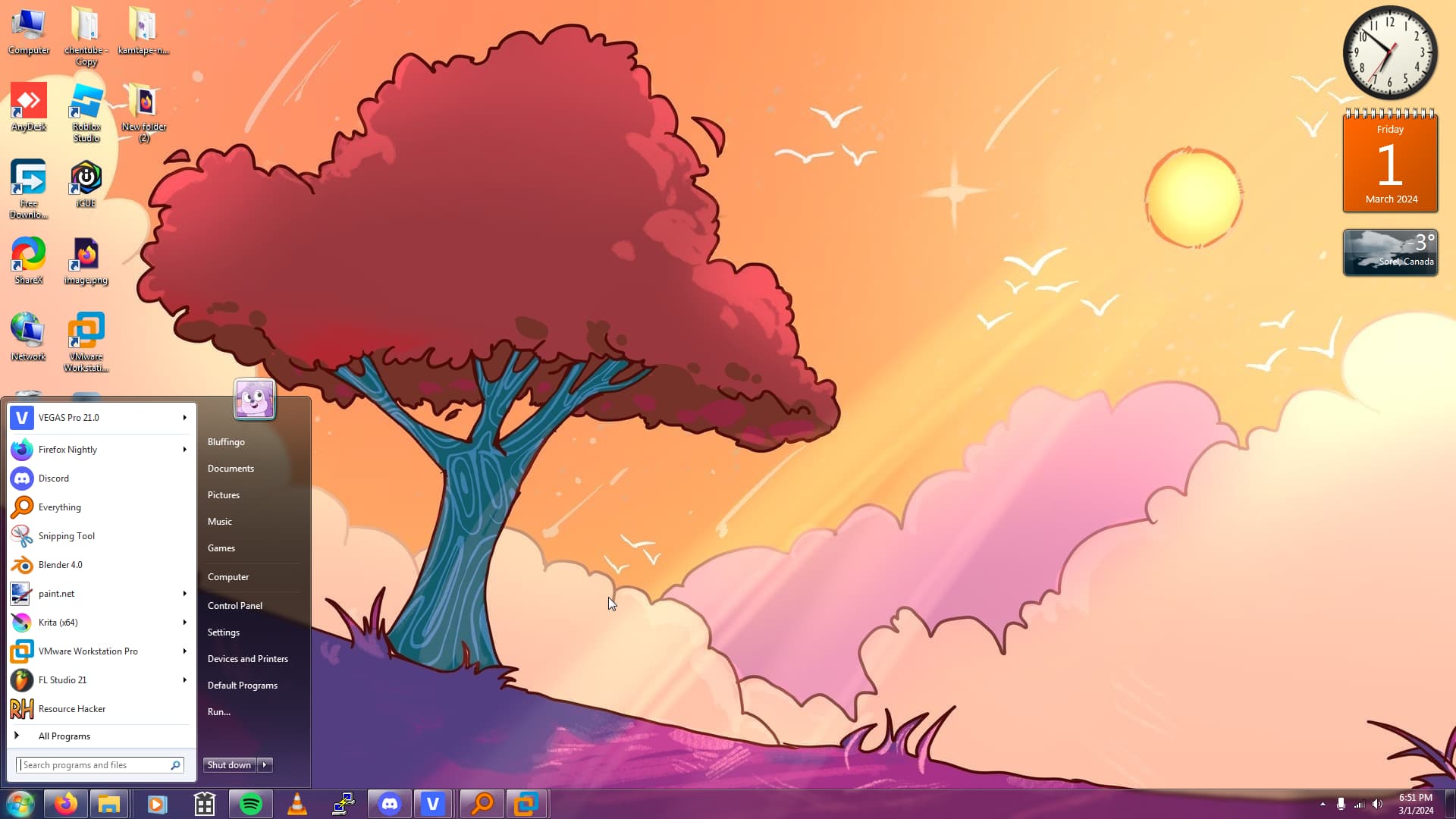
windows 10 with dwmblurglass and startisback++
if i looked at it from a couple meters away i could have thought that is really window 7
i looked, so realistic.