Bump.
Any solution to this?
Bump.
Any solution to this?
Here.
Link is broken.
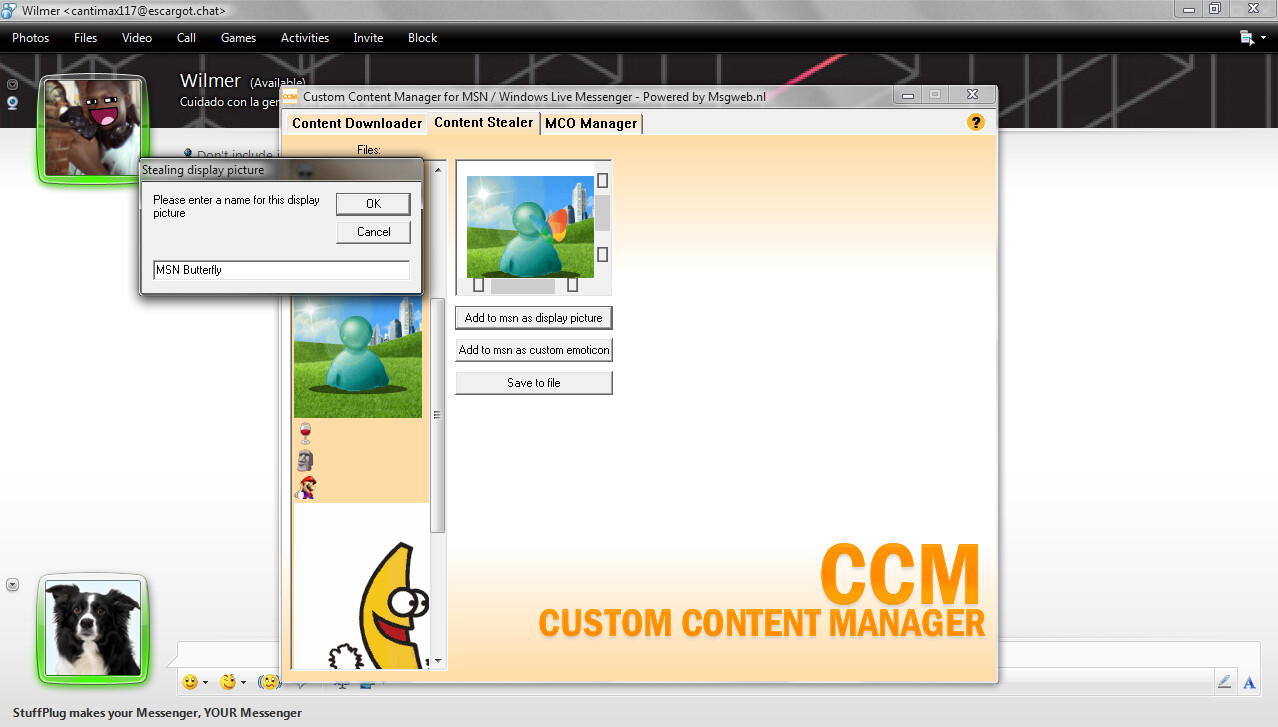
stuffplug can do that too but only for 8x wlm
Honestly, I tried everything. trying to convert a CAB file with all the stuff on the CAB file and not the source folder, but nothing’s working.
I need some better help.
What I’ve done to create CDLC (custom downloadable content) is to shove all the assets in the same directory as the content.xml, author the content.xml, and then use an older version of cabarc to archive the folder as a cabinet archive.
This works for my Japanese Summer 2005 and Japanese Messenger’s 6th Birthday CDLC files.
For content types that need to be bundled in an archive and hashed. I believe it is a PKCS#7 signature with the data for the bundled cabinet’s SHA1?
As for installing content these days, loading a HTML file that lets you set an arbitrary URL and calls MessengerContentInstaller.InstallContent on it works better than those pesky old pieces of software written nearly 20 years ago.
Mostly like this:
<object id="MessengerContentInstaller" height="0" width="0" classid="clsid:F06608C7-1874-4EEA-B3B2-DF99EBB144B8" codetype="application/x-oleobject" viewastext=""></object>
<input id="url" value="http://" >
<input type="button" value="inject" onclick="installcontent()" >
<script>
	function installcontent() {
		var url = document.getElementById("url").value;
		try {
			MessengerContentInstaller.InstallContent(url);
		}
		catch(err) {
			alert("--- Installation error ---\n"+err.name+":\n"+err.message);
		}
	}
</script>
Sadly even with this, you need to load such a HTML from a Trusted Domain that is set in the Messenger Config, That does mean you can just define a tab for this HTML though.
If you don’t, Messenger will refuse to instantiate the MessengerContentInstaller object, and all calls to MessengerContentInstaller functions will fail as if they didn’t exist.
I tried to use ChatGPT to create a script to install winks, but I failed.
I could see that AI was very knowledgeable about .mco files, ObjectStore and whatnot, but creating a working script seems to be impossible. I spent many hours trying.
Well yeah, MessengerContentInstaller needs some convincing to run out of a web environment.
If administrating a Messenger Config Server, adding localhost to the trusted URL list and then writing a 1-player MSGRP2P.xml file set to a local URL would probably give you the best chance of writing one. Or you know, most servers already have localhost set, so it’s just writing whatever you want to call InstallContent. Just don’t use InstallIndrectContent. That format is basically useless since it’s just a pointer to a Messenger Content archive anyway.
If you was actually running your own Messenger Config server, you can just add your own tab (as such I do. Why else would I write a Messenger Config-specifc server?).
(post deleted by author)
Download winks package from this link:
The winks installer apps in the folder “not working” are actually working on Windows XP.
Therefore, go to your Windows XP on VMware (install Messenger if you haven’t already done so).
Run the app “local mco installer” or “mcoinstall” and point to the folder with the winks.
It’s possible to install hundreds of winks in just seconds with this app.
Then copy the ObjectStore from Windows XP at…
C:\Documents and Settings\ user name \Local Settings\Application Data\Microsoft \Messenger\ user@escargot.chat
to your Messenger installation on your Windows 10 / 11 at…
C:\Users\ user name \AppData\Local\Microsoft\Messenger\user@escargot.chat
Just make sure that the user name is the same.
The procedure is quite tedious since the winks installation apps don’t work on Windows 11, but only on Windows XP.
But it does work. I have tried it myself using Messenger 2009.
There is a thread discussing winks here, and how hard it is to install them in bulk:
But the solution was there all along; just use Windows XP.
(edited typo)