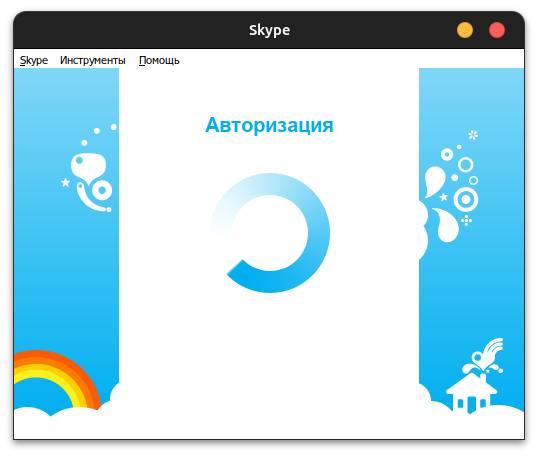
Hello all! I’m persfidious from Skymu. Thought this might be of interest to the community.
With assistance from [anonymous developer] and Ryder, I’ve patched Skype versions 1, 2, 3, 4 Beta, 4, 5, 6, and 7 so that anybody can now log in to them and use them. (However, it’s not an active, working revival, these are purely offline sessions; Ryder is working on said revival as you may have seen from his posts. But these offline sessions are more capable than you may expect)
The archive containing the patched Skype binaries and offline session can be found at https://files.catbox.moe/oluo3y.7z. If you’ve used Skype on this machine before, please make a backup of %APPDATA%\Skype before continuing, then read READ ME, I’M IMPORTANT.txt to find out how to use all of these.
This is an optional step, but: if you have an old computer on which you used Skype from 2003 - 2019, there is a good chance that you have a Skype database located at “%AppData%\Skype\your skype name\main.db”. This file contains your entire Skype contact list, conversations (DMs and group chats), file transfer history, and message history. To use that database with Skype, retrieve main.db and do the following:
- Go to SQLite editor online
- Click on “Database file” → “Open DB File” and select your main.db
- Paste this code in the big box in the middle, including the semicolon: UPDATE accounts SET skypename = ‘skypetest’;
- Click “Run” and then click “Database file” → “Save DB File”
- Rename the downloaded file from “file.sqli” to “main.db”
- Make a copy of your edited main.db and keep it somewhere safe, as you will likely need to redo the following steps if you switch between Skype versions.
- Move your edited main.db to %AppData%\Skype\skypetest on whatever machine you’re currently running Skype on.
- Launch Skype version 4 or later and enjoy. If you want to view your contact and conversation lists on Skype 3 and below, you must FIRST launch Skype 4.2 and then close it and launch any of these older versions. Sadly. message history does not seem to work on Skype 3 and below.
- Every time you run import.cmd again, you will have to repeat this step; it will come in handy to save a copy of your edited main.db as mentioned above.

 stucks on the login screen. (i am using bottles)