Hello, there is an issue when logging into Yahoo! Messenger 5.6 using CrossTalk, the server registry strings for Conn Server, socket server, and Host Name strings are already changed to ms.msgrsvcs.ctsrv.gay, and alternative method by downloading and installing the yahoo registry file, the client is not logging in but rather, it loads after writing the Yahoo ID with/without automatic and save password, the client does not show any errors but it’ll put straightaway into the login screen, is there a way to fix this? The client is installed on the Windows 2000 Professional Edition old family PC.
Could you take a screenshot of your registry contents if possible?
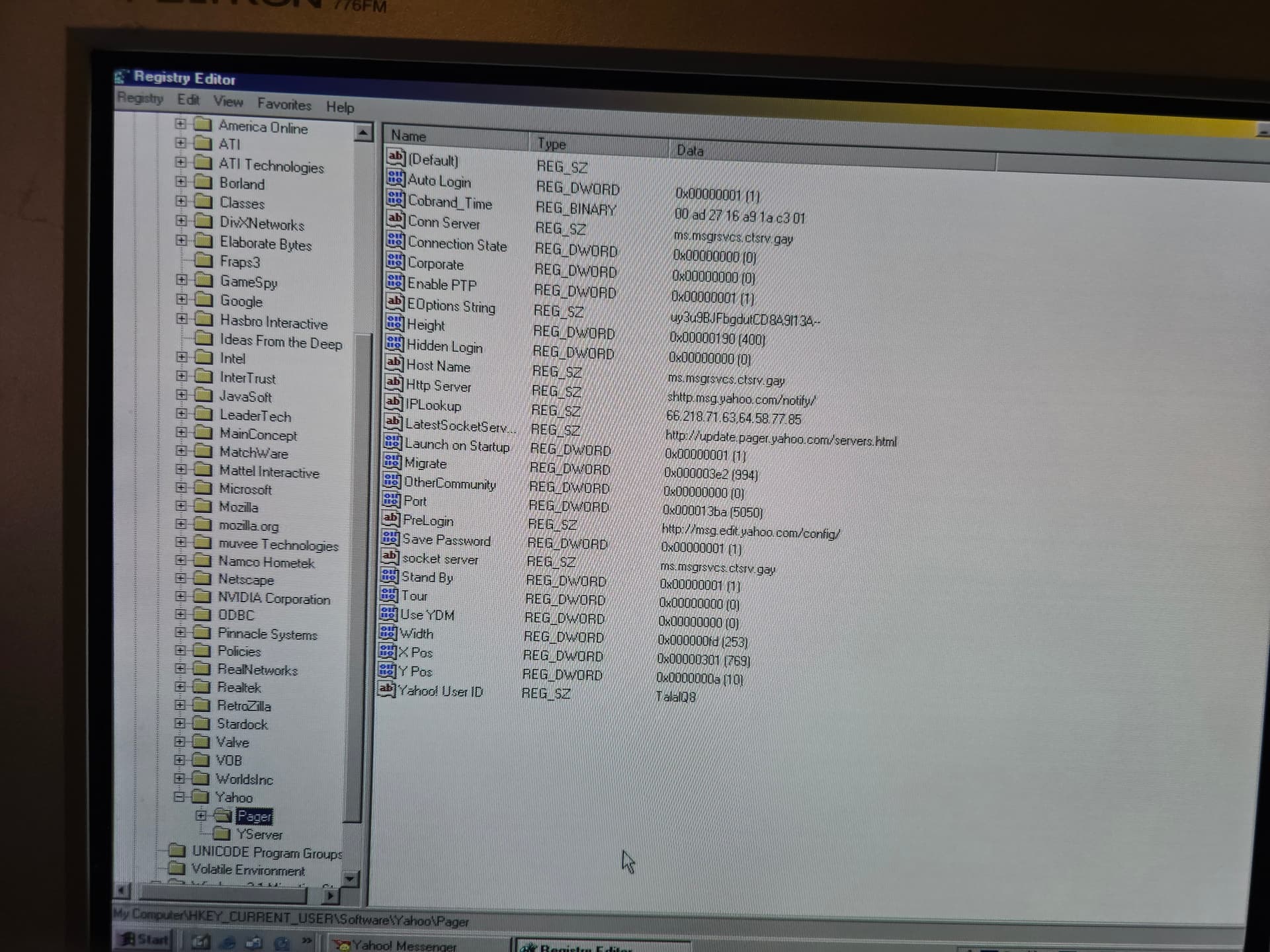
@HIDEN This is the screenshot in the registry editor of Yahoo! Messenger 5.6.
That looks right… hmm
Could you try changing IPLookup to 31.97.100.150?
Nice, the client worked. It seemed that previously, the legacy password was never set for the account. Neither Yahoo! Messenger 5.6 nor any client that required a legacy password was ever set. Additionally, Yahoo! Messenger 5.x/6 nor any other client that only supported legacy passwords were unticked. Thankfully, “Yahoo! Messenger 5.x/6” is now ticked, the legacy password has been set up, and the client is now functional within the CrossTalk.im website.
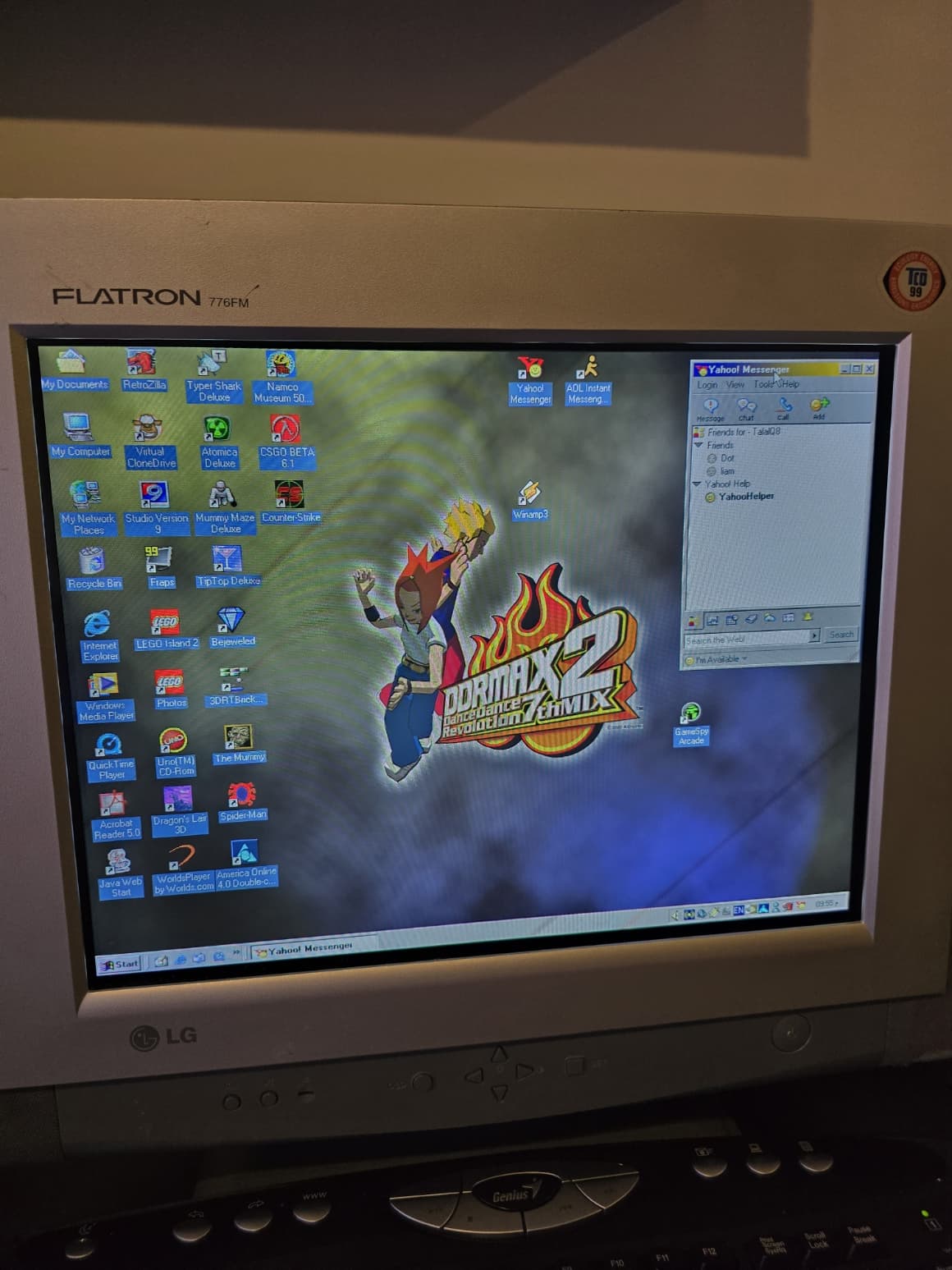
Thank you for the assistance.