Attempting to log in takes around 60 seconds to throw an error code. I am fairly certain that I patched it correctly. This is what pops up:
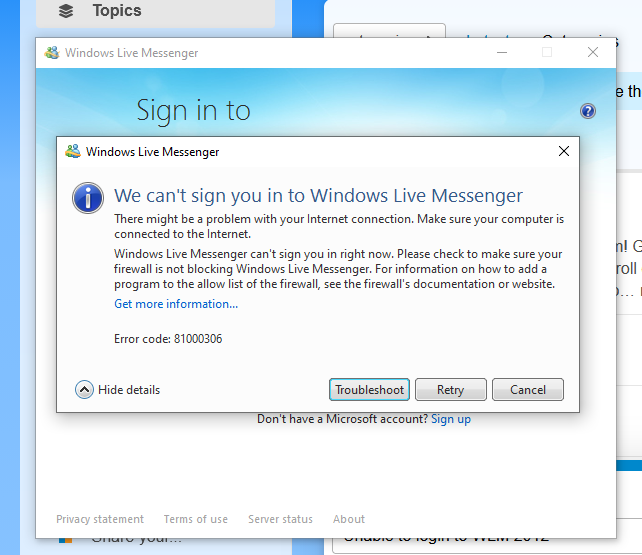
Please check if your config INI has CRLF line endings instead of only LF. This was an issue with the initial release.
If it’s not that, are you using the defunct domains that end in .gay? Those were discontinued with 0.6. Use the .xyz domains again.
HRESULT enumeration name: MSGR_E_LOGON_TIMEOUT
1 Like
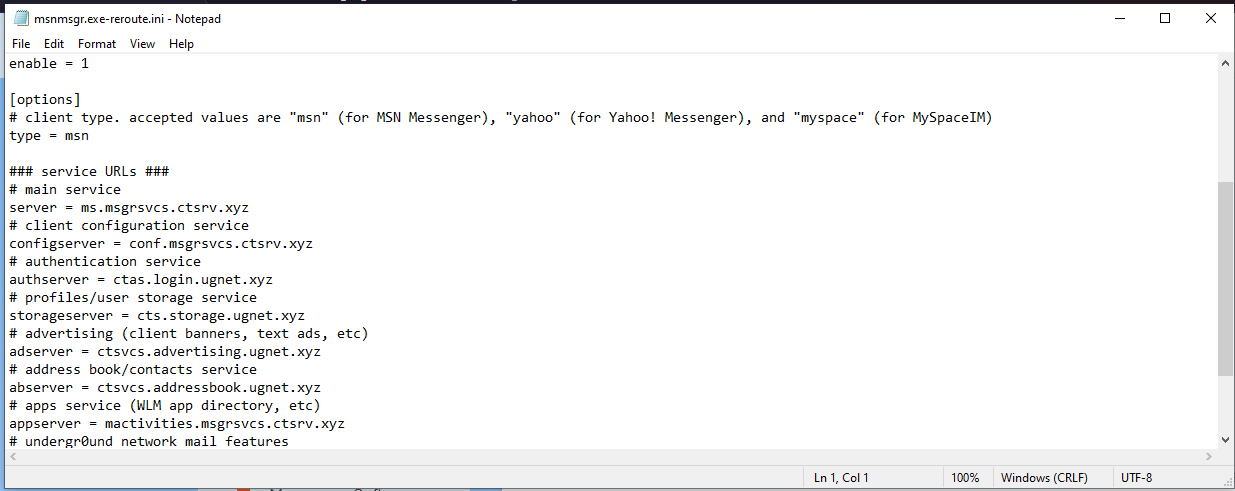
At the bottom of both .ini files I see ‘Windows (CRLF) so I don’t think that’s the issue.
I also checked the server list URLs and they all end in .xyz.
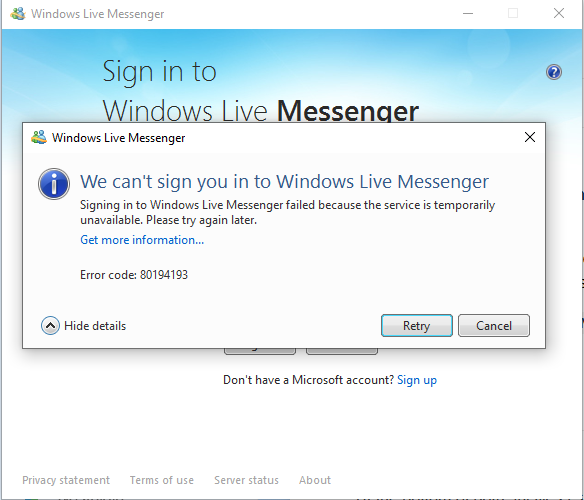
This one is a now-known server issue involving it’s implementation of authentication tokens.
Basically when your client sends the ABFindAll and FindMembership SOAP requests to the Address Book Service and Contact/Relationship Sharing Service, it sends an authentication token that is somehow already invalid. It might be cached, but for some reason it’s not trying to reauthenticate.
This may be because it doesn’t implement a PassportAuthError fault response.
Would there be any way to fix it?
Wait for a server update to come out that fixes it.
I’ve narrowed down the specific issue - the address book server expects there to be a backend session already active (because usually there is), so it looks for that as well as validating your authentication token.
WLM 2011/2012 do not register as a session on the backend until the initial NFY PUT is sent. The address book requests are happening before that. So there’s a very slim window where after it’s sent, and before the address book requests being sent where it’ll successfully pass.
This will be fixed in 0.6.2 which will come out within the next couple of days.
It’s weird because this isn’t an issue I haven’t caught in testing until the 0.6 rollout. Maybe because of less latency with my local network compared to the production server /shrug
1 Like