Do not do this on your daily machine and/or you’re running modern Windows. I repeat, DO NOT DO THIS ON YOUR DAILY MACHINE OR IF YOU’RE ON MODERN WINDOWS.
As it’s changing the global MSA (Microsoft Account) authentcation service configuration, it will break Microsoft Accounts, and CrossTalk does not yet support the encryption mecahnism used in RST2 requests (used for requesting auth tokens) on newer versions of Windows. I am not responsible, nor will you recieve any support if you do not heed these warnings and end up with broken Microsoft Account integration. For now, if you want a stable experience, use 2009 or older.
This patch is early, not final, and will definitely change to something less destructive in the future.
Make sure neither Messenger (msnmsgr.exe) nor the Windows Live ID service (WLIDSVC.exe) are running
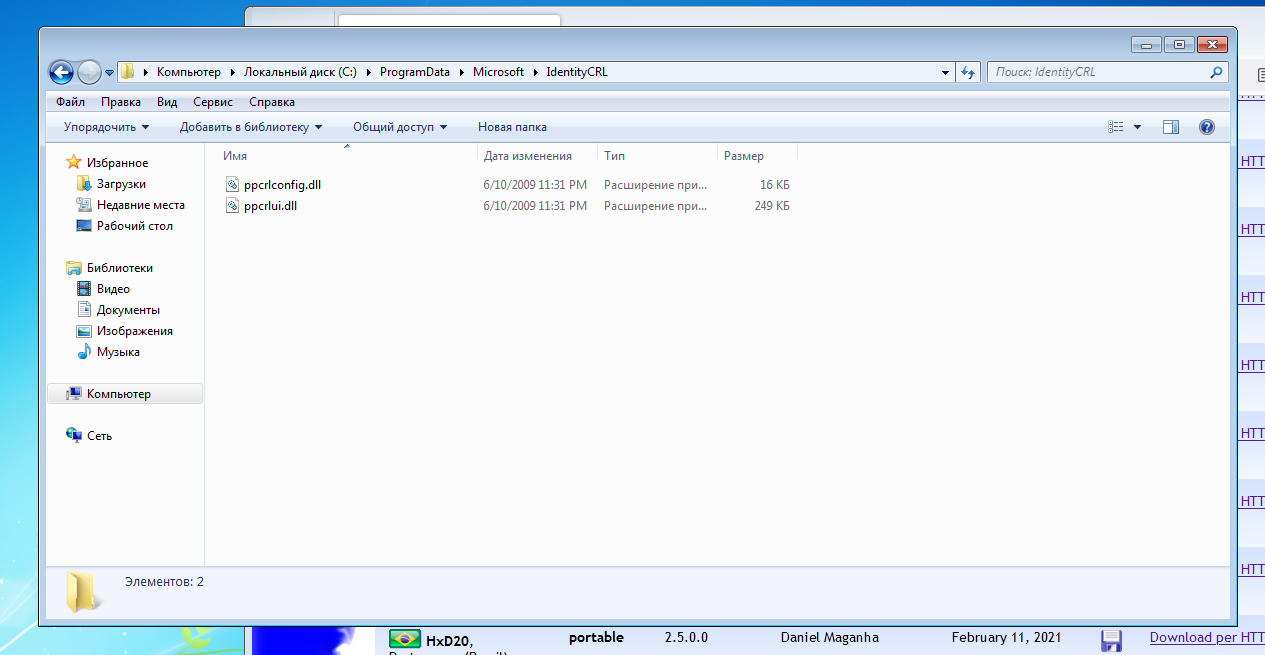
Hex edit C:\ProgramData\Microsoft\IdentityCRL\production\ppcrlconfig600.dll, replacing login.live.com/RST2.srf with rsts.ugnet.gay/RST2.srf (you may need to edit wlidsvcconfig.xml as well, if editing ppcrlconfig600.dll on it’s own doesn’t work, try this)
When that’s done, apply Reroute patches (same steps as you would for WLM 2009, instructions can be found here: Patching | CrossTalk)
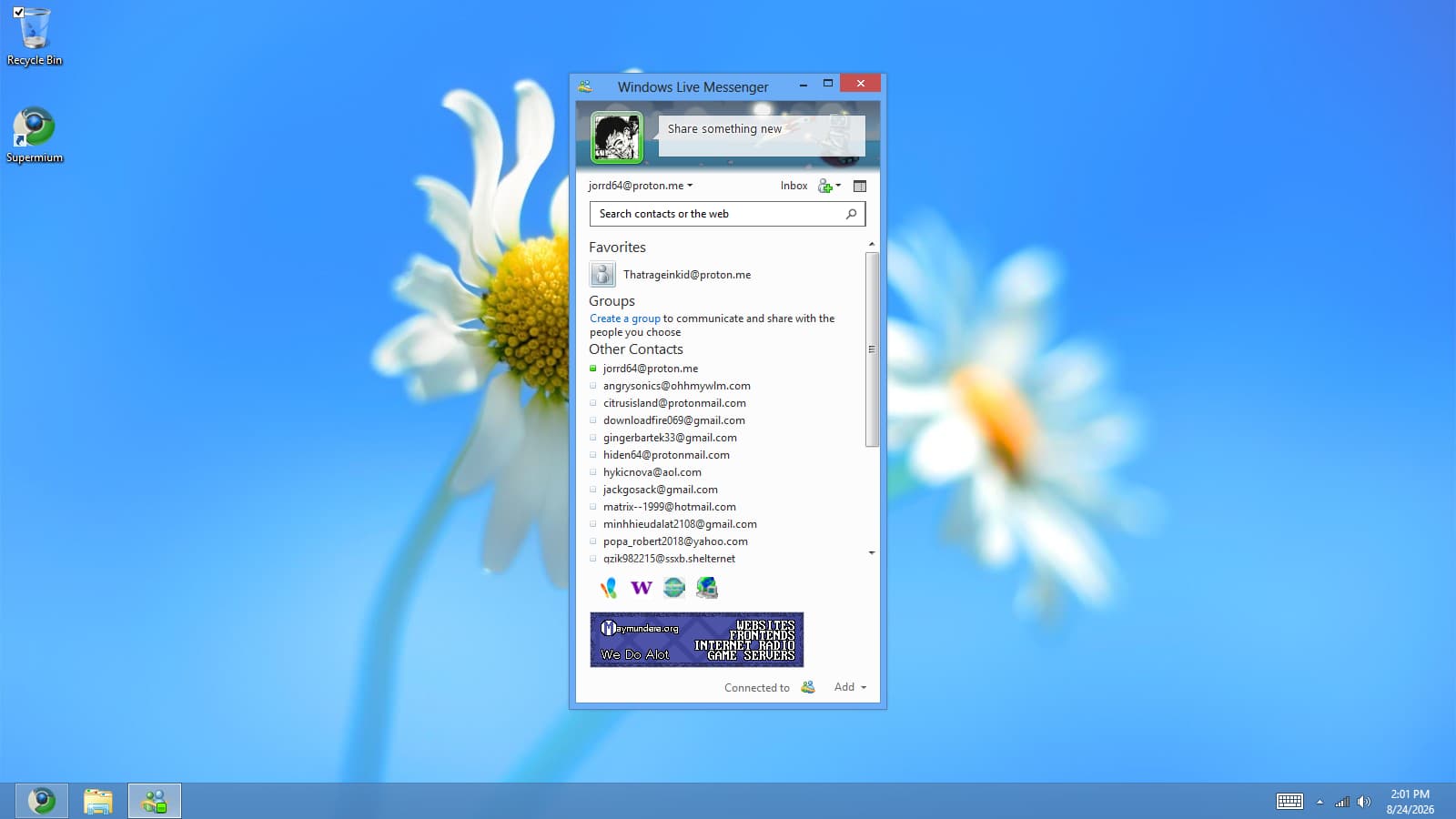
And after that, you should be able to connect!
As already stated, it will not work on Windows 10+ for now due to CrossTalk not yet supporting the encryption mechanism used in RST2 requests on those versions.
hey so i replaced login.live.com/RST2.srf with rsts.ugnet.gay/RST2.srf but it still doesnt work. i tried to do the same with ppcrlconfig.dll but it didnt work and i couldnt find wlidsvcconfig.xml help
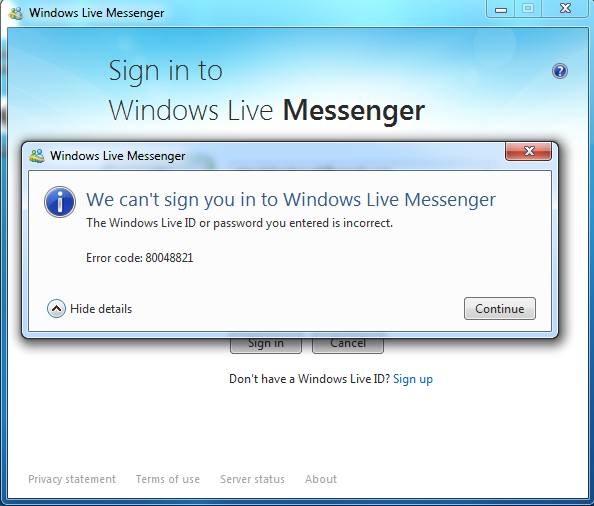
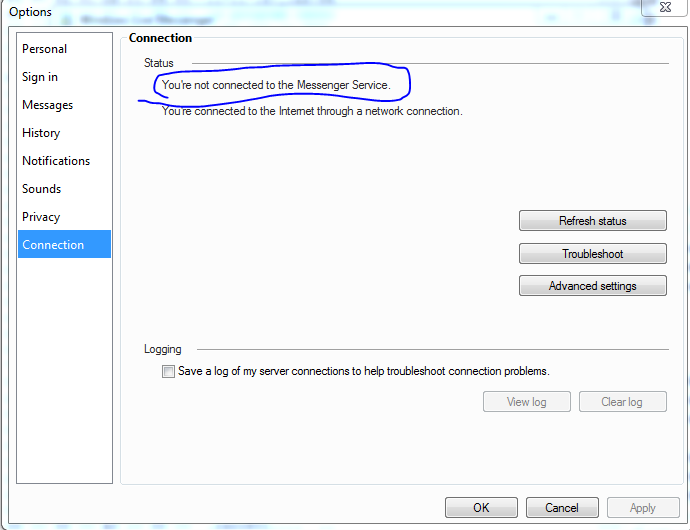
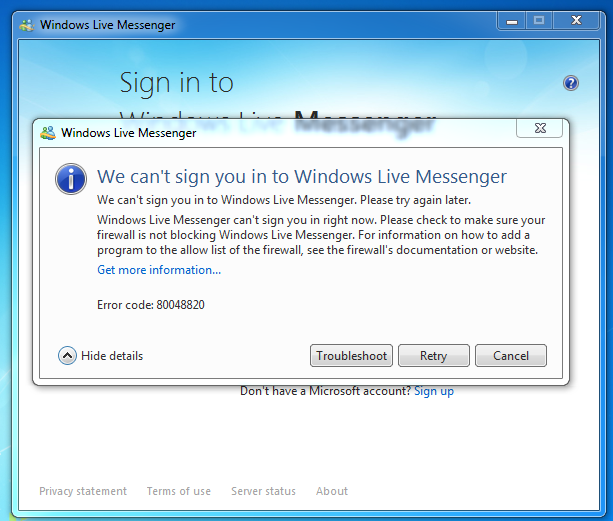
Whenever i try to log on it says password invalid even if it isnt invalid and i get error code 80048821. im gonna try it again and see if it works, also heres a screenshot:
When I installed WLM2012 and tried to log in, I received an error called 80048849. This error is unprecedented; nobody in tester-support has asked about it.
First of all, I strictly followed the cracking wizard and testing procedures in Crosstalk for installation and configuration. I even installed legacy update to update the root directory, and I didn’t forget to disable SSL and enable TLS. So, what exactly is wrong?
Thank you!
It solved the problem but with a twist. I did not check that box before, so I checked to remember login and at the next attempt it did work. Until I did not check the checkbox at least once the login always failed. Since then I am able to login every time after the logout.
Thank you for experiencing a little nostalgy again. I know WLM 2011/2012 support is still limited but it was nice to use that program again.
 help
help