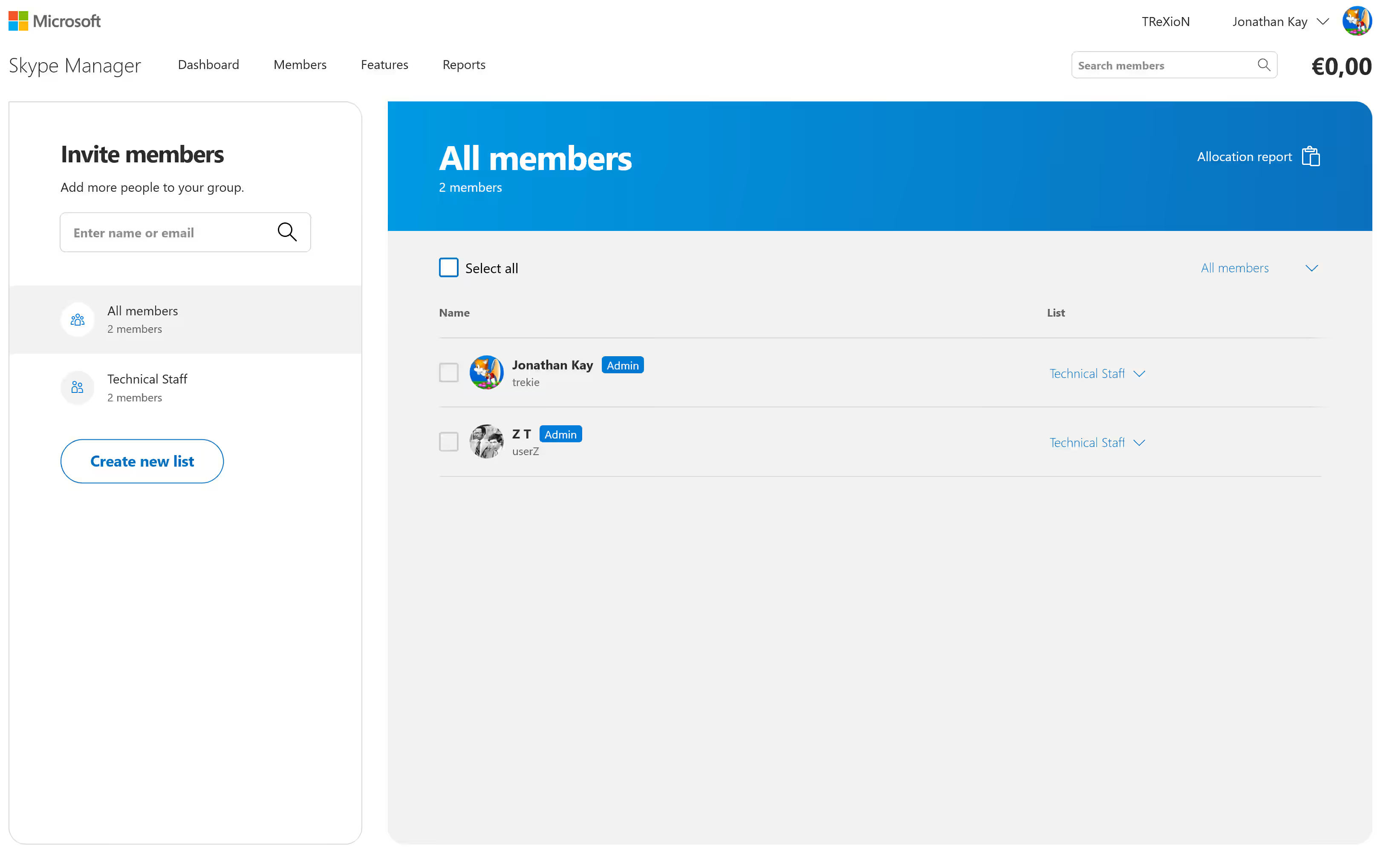
A few months ago (e-mail found at the end of this post), it was announced that the Skype Manager site would be shutting down on December 1st. Here’s a brief overview of the tool.
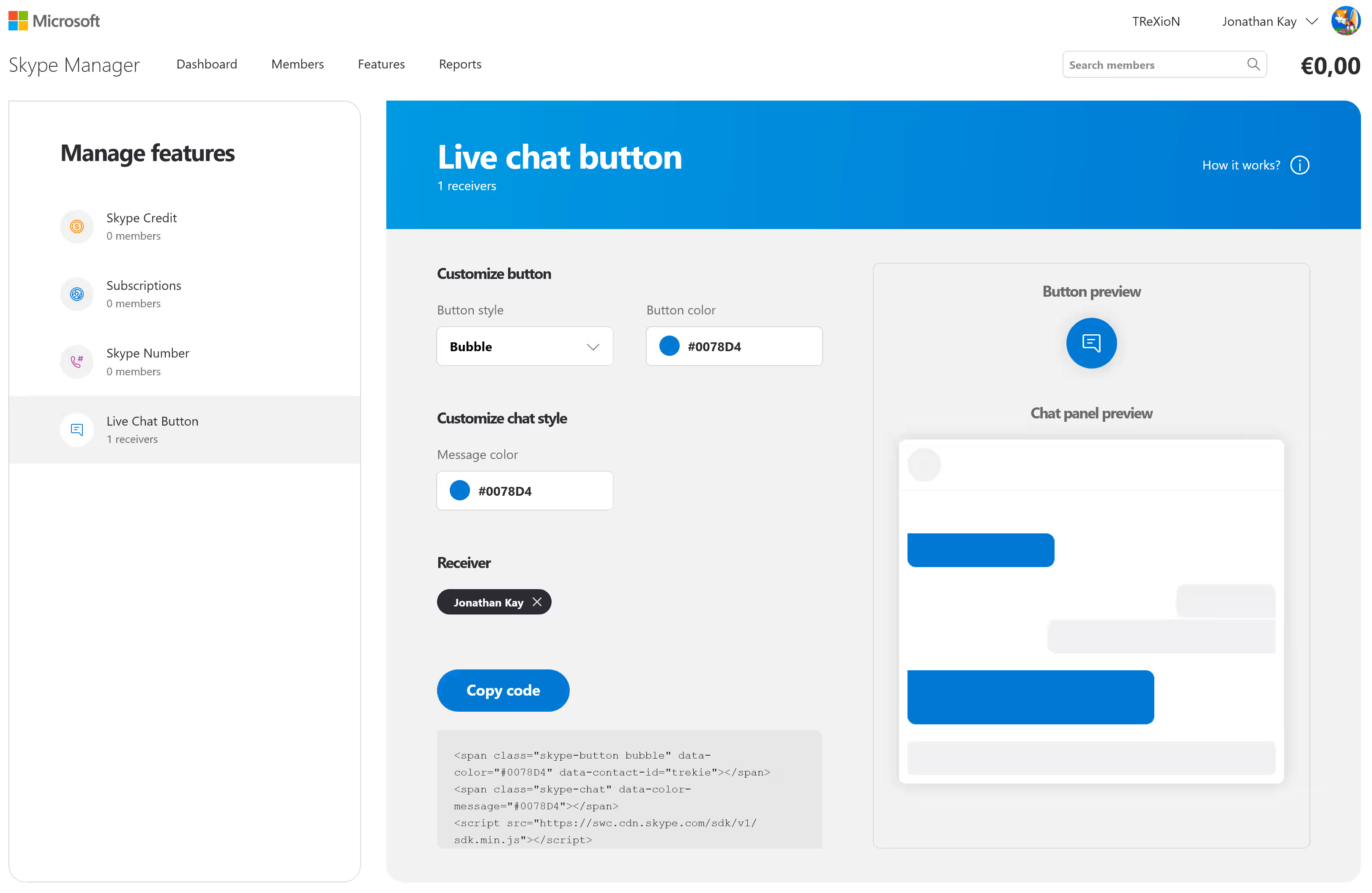
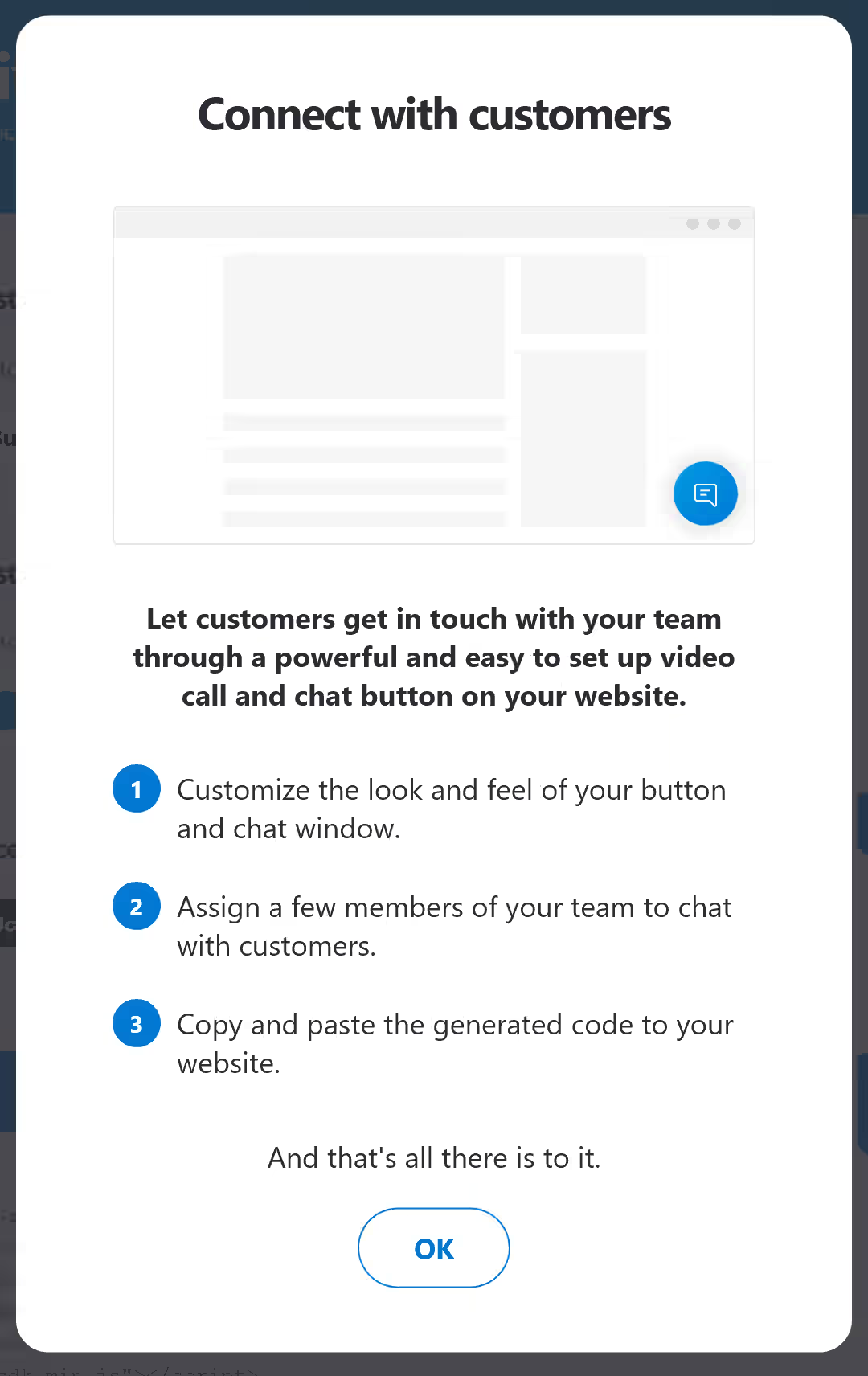
The Manager has a few features, the main being that you can group together Skype credit balances, and then transfer them amongst your users (members). You can also create a Live chat button for a website (no longer working), and see the entire activity of the group.

The Manager site was maintained post-Skype retirement as the calling out feature was kept using the dial pad in Teams personal (which is a modified version of web Skype), and credit could still be moved around for that purpose.
Live chat button:

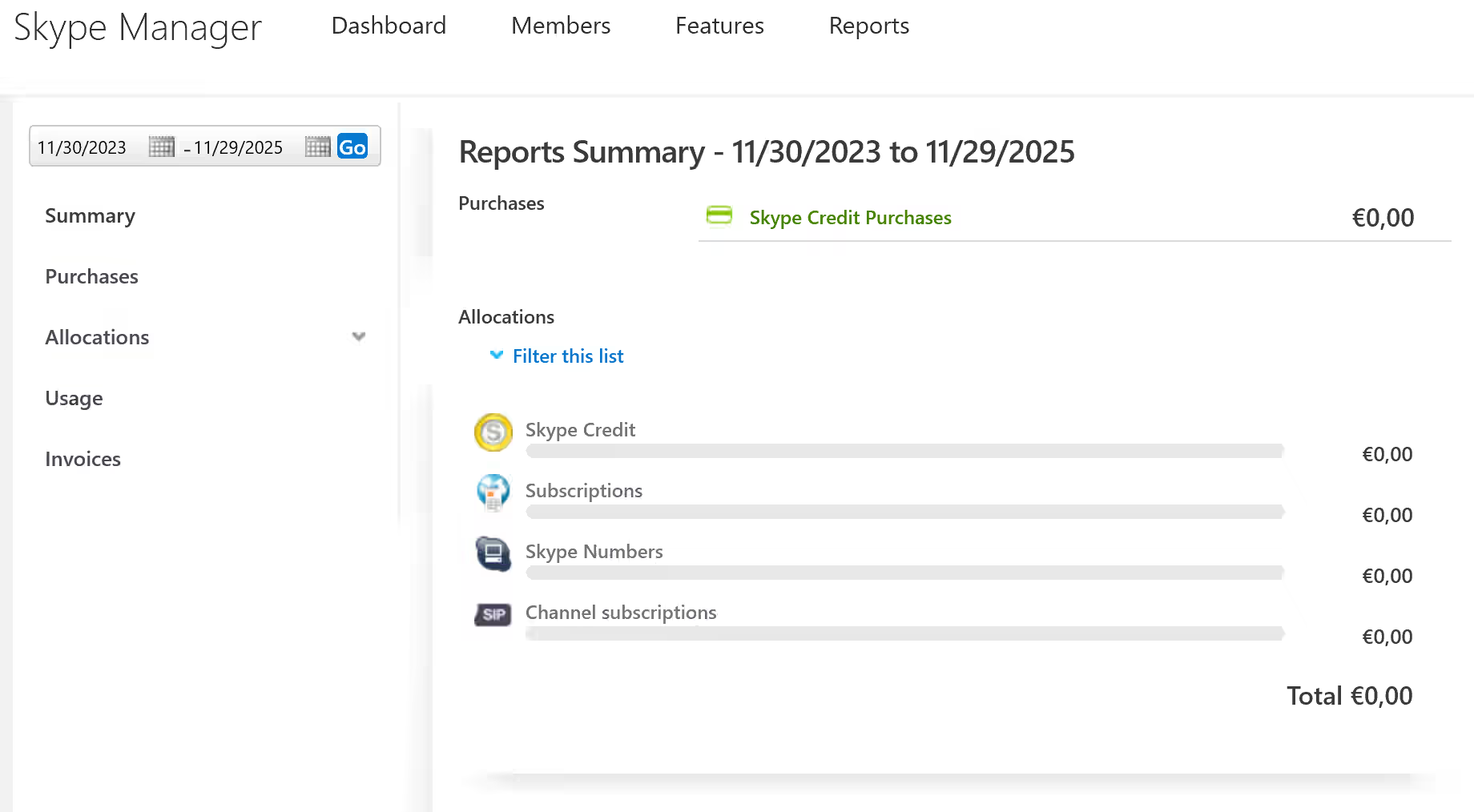
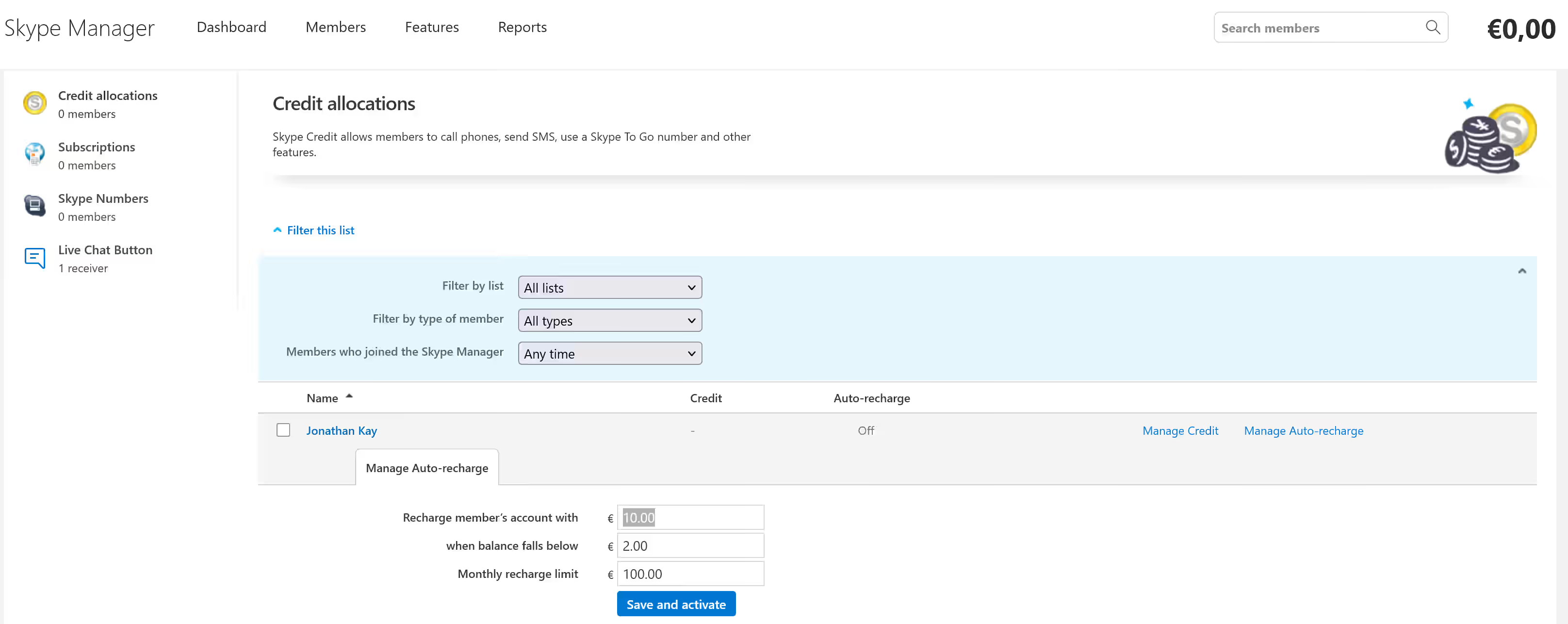
Additionally, you can create different lists of group members, allocate Skype credit in various ways, automatically recharge an account when it falls under a certain level, assign Skype Numbers, and also add different Skype subscriptions (no longer working). There also various reports for all parts of the manager.
The retirement announcement e-mail is below.
ACTION REQUIRED: Skype Manager Retirement
Skype Manager will officially be retired on December 1, 2025. Please read on for detailed information about the retirement and steps you should take before December 1, 2025.
Action Required:
Credit Allocation: Please make any allocation of Skype Credit to group members by the retirement date. After December 1, you will no longer be able to allocate any Skype Credit from your Skype Manager account.
Admin Update: To ensure a smooth retirement, please verify that the Skype Manager admin account information is up to date. This ensures that the correct administrator – the one your organization designates – will be able to request support after the retirement date.
What Happens After Retirement?
Starting December 1, 2025, Skype Manager will no longer be available.
- You will no longer be able to allocate Skype Credit to group members via Skype Manager.
- Historical reports (e.g., purchase and allocation records) will no longer be available through the tool.
We strongly recommend that you download any necessary reports and complete any final balance allocations before the retirement date. Reports will no longer be accessible after the retirement date.
If you have any questions or need assistance during this process, please reach out to our support team. Visit our FAQ page for more information on retirement and how to use any unallocated Skype Credit after the retirement date.
We understand that change isn’t always easy, and we’re here to support you through this transition.